- Overview
- Quick answer
- Key points
- What Single Touch Payroll reports
- How STP works in a small business
- STP Phase 2 in plain English
- What to check after a July 2026 pay run
- STP is not the same as payroll software
- What to check in STP software
- Simple example
- Common STP mistakes to avoid
- How Gimbla fits the workflow
- Frequently asked questions
- In short
What Is Single Touch Payroll (STP) and How Does It Work?
Published February 2nd, 2025 | Updated August 3rd, 2026 | Team Gimbla

Single Touch Payroll (STP) is Australia’s payday reporting system for employers. When you pay employees, STP-enabled payroll software sends pay, PAYG withholding and superannuation liability information to the Australian Taxation Office (ATO). STP software is the payroll tool or service that connects the reviewed pay run to that reporting step.
For a small business, the practical job is to set up payroll correctly before the first live pay run, review every pay cycle and correct errors promptly. Employee details, pay items, current PAYG withholding settings, super settings, STP connection details and accounting records all need to line up.
STP software should support the pay-run review, not just the lodgment button. The useful question is whether pay, tax, super, payslips, STP and accounting records stay aligned.
Quick answer
The ATO’s Single Touch Payroll overview says employers report payroll information through STP each time they pay employees. That information includes salaries and wages, PAYG withholding and superannuation liability information.
If you are comparing STP software, look beyond whether it can submit a file. Check whether it handles employee setup, pay-run review, STP Phase 2 categories, super records, payslips, corrections, year-end finalisation and accounting entries. STP Phase 2 has applied from 1 January 2022 and expanded the detail reported through payroll software.
WPN holders have a separate exemption path: the ATO says employers with a withholding payer number are exempt from STP reporting until 30 June 2033, but from 1 July 2026 any WPN employer choosing STP needs to lodge through an authorised representative. See WPN holders and STP reporting for the practical decision.
For 2026-27, the ATO Software Developers 2026 PAYG withholding tax tables page marks the current output files as applying from 1 July 2026. If a July pay run has already been processed, compare the actual withholding and year-to-date values with the reviewed employee settings before the next STP lodgment.
Key points
- STP reports payroll information to the ATO each payday.
- Employers still need to calculate wages correctly, issue payslips, pay employees, pay super and keep records.
- STP Phase 2 changes how payroll amounts are categorised and reported.
- At the end of the Australian financial year, employers use STP finalisation so employee income statements can become tax ready.
- For pay runs from 1 July 2026, check current PAYG withholding, employee settings, wage-rate changes, qualifying earnings and super liabilities before lodging.
- Payroll software helps only when employee setup, pay categories and approval checks are clean.
What Single Touch Payroll reports
STP is mainly about reporting payroll outcomes, not deciding what an employee should be paid. Your payroll process still starts with the employee’s contract, award, hours, leave, tax details and super details.
| STP area | What it usually includes | What the employer still needs to manage |
|---|---|---|
| Pay information | Salary, wages and other reportable payroll amounts | Correct pay rates, approved hours, leave and allowances |
| PAYG withholding | Tax withheld from employee payments | Employee tax settings and amounts owed to the ATO |
| Super information | Super liability and qualifying earnings information | Fund details, payment timing, rejected payments and records |
| Employee details | Identity, employment and tax-related reporting fields | Employee setup, changes, terminations and corrections |
| Year-end finalisation | Declaration that STP reporting is complete for the year | Reconciliation before marking income statements tax ready |
How STP works in a small business
The usual flow is:
- Set up the employee, pay cycle, tax details, super details and pay items.
- Connect STP-enabled payroll software to the ATO.
- Prepare the pay run from approved hours, salary, leave and allowances.
- Review gross pay, PAYG withholding, super, net pay and accounting entries.
- Lodge the STP report through the connected software on or before payday.
- Pay the employee and issue the payslip.
- Check the submission status and any validation messages.
- Reconcile payroll, bank payments, PAYG withholding and super liabilities.
If the setup is wrong, STP can faithfully report the wrong information. That is why employee records, payroll categories and review habits matter as much as the lodgment button.
If submitted STP values do not match the payroll records, follow the correction workflow in your software and the ATO reporting rules promptly. Recheck the employee’s year-to-date amounts, payslip and the related wage, PAYG withholding and super accounts so one correction does not leave another record inconsistent.
STP Phase 2 in plain English
STP Phase 2 expanded the payroll detail employers report to the ATO. The ATO’s STP Phase 2 employer reporting guidelines explain the requirements for reporting through STP-enabled software.
In practice, Phase 2 means payroll software needs more careful mapping of income types, payment categories and employment details. Common areas to check include allowances, overtime, bonuses, paid leave, termination details and employee tax treatment.
What to check after a July 2026 pay run
The start of 2026-27 was a useful stress test for STP software because several payroll settings changed at once. After a July pay run, Australian employers should confirm what actually reached the payslip, STP report, super workflow and ledger:
- PAYG withholding settings use the current 2026-27 tables.
- Employee tax details, study loan settings and pay items are still correct.
- Award or minimum wage changes from the Annual Wage Review 2026 have been reviewed where they apply.
- STP Phase 2 categories still match allowances, leave, overtime, directors’ fees and other pay components.
- Payday Super qualifying earnings, super liabilities, fund details and payment preparation agree with the pay run.
- Payroll reports still agree with wage expense, PAYG withholding and super liability accounts.
If one of those checks fails before lodgment, fix the setup first. If the report has already been lodged, use the software’s correction workflow and confirm the corrected year-to-date figures, payslip, STP status and accounting balances agree.
STP is not the same as payroll software
STP is the reporting system. Payroll software is the tool that helps calculate and report payroll.
Good payroll software should help with employee setup, pay runs, payslips, PAYG withholding, super, STP lodgment, reports and year-end finalisation. It should also keep payroll close to the accounting records so wages, withholding and super do not drift away from the books.
If you are choosing software for Australian payroll, read Payroll for Small Business in Australia before comparing feature lists. For product features and pricing, see Gimbla Single Touch Payroll software.
What to check in STP software
The ATO’s STP reporting options explain that small employers should be reporting through STP now, and that micro employers with 1-4 employees may have specific reporting options if they do not currently use payroll software.
Use that as a starting point, then check the actual workflow:
| Software check | Why it matters for STP | Practical question to ask |
|---|---|---|
| ATO connection | STP reports need a valid reporting path | Can the software connect to the ATO and show what was submitted? |
| Employee setup | STP depends on correct employee and tax details | Are TFN, employment basis, pay items and super details complete before pay? |
| Pay-run review | STP should report the final reviewed payroll result | Can you check gross pay, PAYG withholding, super and net pay before lodging? |
| STP Phase 2 categories | Payroll amounts need clearer reporting categories | Can allowances, leave, directors’ fees and unusual pay items be mapped? |
| Payslips and records | STP does not replace employer record keeping | Are payslips, payroll reports and correction history easy to retrieve? |
| Super and Payday Super | Super now needs pay-cycle review and reporting | Can qualifying earnings, super liabilities and payment preparation stay visible? |
| Accounting records | Payroll affects reports, BAS, liabilities and cash flow | Do wage expense, PAYG withholding and super liabilities reach the books? |
The ATO Software Developers product register can help you check whether a listed product is authorised to use ATO digital wholesale services. The register is not an ATO recommendation or endorsement, so still judge the software by fit, support, price and workflow.
If price is the starting question, the free SBR-enabled software comparison explains why a free accounting plan, free STP function and paid integrated SBR workflow are not the same offer.
For a current plan-by-plan shortlist, compare the best STP software for small business by ongoing price, employee limits, super workflow and accounting integration.
Simple example
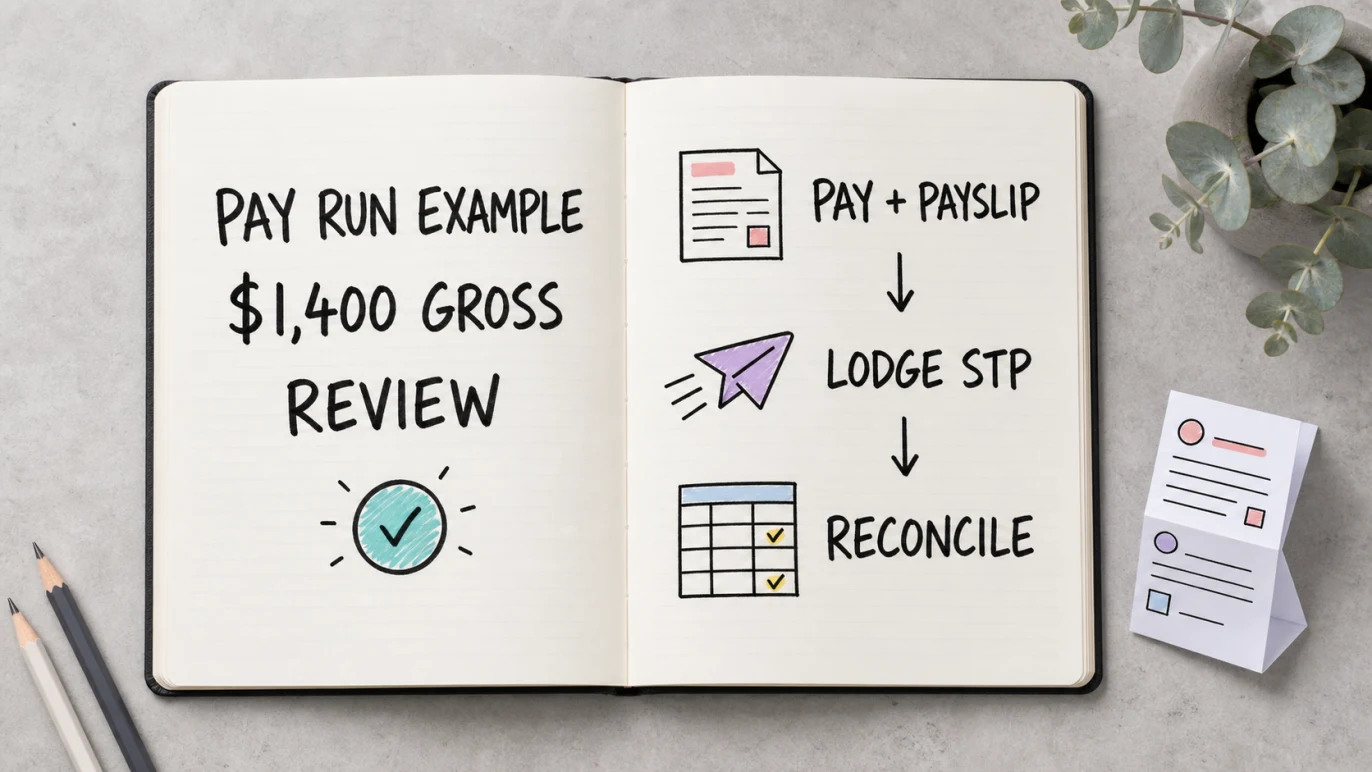
Imagine a small design studio pays one employee $1,400 gross for a fortnight. Payroll software calculates PAYG withholding, qualifying earnings, super liability and net pay from the employee’s settings.
Before lodging STP, the owner checks the pay run against the employee’s approved hours and pay details. After approval, the business submits the STP report on or before payday, pays the employee, issues a compliant payslip and prepares the super payment through its chosen SuperStream workflow.
The ATO receives the payroll information for that payday. The owner then checks the submission status and reconciles the employee payment, PAYG withholding, super liability and payroll accounts.
Common STP mistakes to avoid
Treating STP as a substitute for payroll review
STP does not check every employment, award, leave or super judgement for you. Review the pay run before reporting it.
Using vague pay categories
STP Phase 2 needs payroll amounts mapped into the right categories. If pay items are too broad, reporting and later corrections become harder.
Forgetting year-end finalisation
STP reporting happens through the year, but employers still need to finalise employee data at year end so income statements can become tax ready.
Correcting only the ledger
A journal entry alone does not correct an employee’s year-to-date payroll figures or a submitted STP report. Follow the payroll software’s correction workflow, then check that the payslip, STP status, Profit and Loss statement, PAYG withholding and super liability accounts all reflect the same result.
How Gimbla fits the workflow
Gimbla helps Australian small businesses keep payroll and accounting records close together. The useful workflow is not just “lodge STP”; it is employee setup, pay-run review, payslips, payroll reports, STP submission, super tracking and accounting records that can be reconciled.
Gimbla Payroll is listed on the ATO Software Developers product register as Payroll (STP) cloud software. The practical reason to use it is still workflow fit: pay runs, STP, super and accounting records can stay in one place.
Helpful next steps:
- Create an employee
- Register your software ID for STP
- Timesheet add and approve
- Payday Super ready
- PAYG Withholding
- Superannuation Guarantee
Frequently asked questions
What is Single Touch Payroll?
Single Touch Payroll is Australia’s system for reporting employee pay, PAYG withholding and super information to the ATO through payroll software each payday.
Does STP pay my employees or super?
No. STP reports payroll information. The employer still needs to pay employees, issue payslips, pay super where required, pay withheld amounts to the ATO and keep payroll records.
What is STP Phase 2?
STP Phase 2 is the expanded version of STP that requires more detailed payroll reporting. It changes how pay, income types and employment details are categorised for reporting.
Do small employers need STP?
Most Australian employers need to report through STP when they pay employees. Some employers may have concessional reporting, exemptions or deferrals depending on their circumstances, so check the ATO guidance or ask a registered adviser if your situation is unusual.
In short
STP is the ATO reporting step attached to Australian payroll. Set up employees carefully, review each pay run, report through STP-enabled software and keep payroll connected to your accounting records.