- Overview
- Key points
- Gimbla vs Deputy pricing at a glance
- The products solve different problems
- Simple example
- How the price changes for ten employees
- Deputy billing details that can change the total
- When Gimbla may be the better fit
- When Deputy may be the better fit
- Payroll compliance checks for either product
- A practical decision checklist
- Frequently asked questions
- The bottom line
Gimbla vs Deputy: Price, Payroll and Rostering Compared
Published August 6th, 2026 | Team Gimbla
Gimbla and Deputy both help Australian businesses manage employees, timesheets, rosters and payroll, but they start from different problems. Gimbla starts with small-business accounting and connects payroll to the books. Deputy starts with workforce management and offers payroll as an add-on to its rostering and time-tracking platform.
That difference matters more than a headline subscription price. A four-person business that needs invoicing, bank reconciliation, BAS and payroll has a different software problem from a four-person venue that needs advanced rosters, clock-ins, award interpretation and demand-based scheduling.
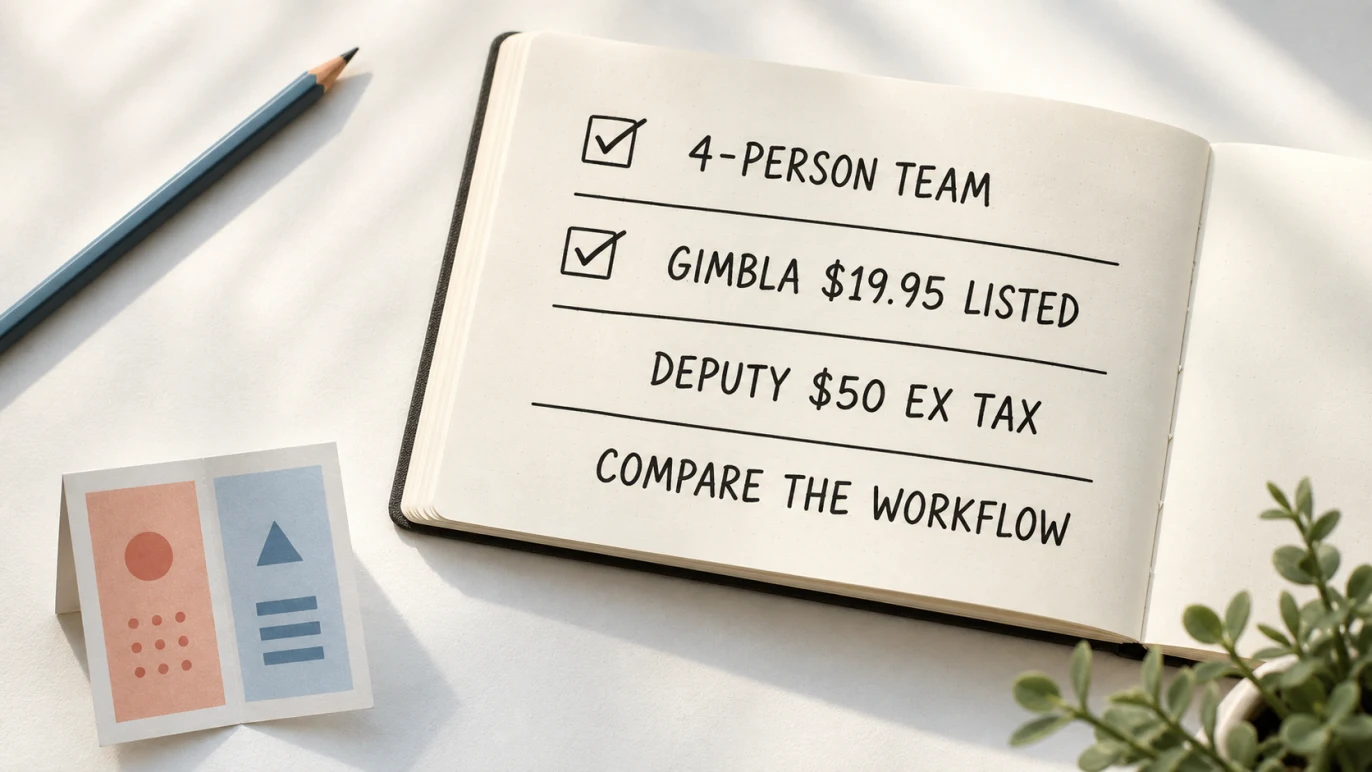
Quick answer: Gimbla Plus is listed at $19.95 per month and includes Australian payroll for up to four employees. Deputy Lite is listed at $6.75 per user per month, subject to a $30 minimum monthly spend, and Deputy Payroll adds $5 per active user per month. For four active users on monthly billing, Deputy Lite plus Payroll therefore starts at $50 per month before applicable taxes. The products are not like for like: Gimbla includes accounting, while Deputy has deeper workforce-management tools.
Key points
- Gimbla Plus combines accounting, invoices, bills, bank feeds, BAS, reports, timesheets, rostering and payroll.
- Deputy is designed around rostering, time and attendance, leave, workforce communication and labour planning.
- Deputy Payroll is an add-on to an active Deputy plan, not a standalone payroll subscription.
- Deputy charges for active, employed and unarchived users, including some administrators and test users; the people on your invoice may not be limited to the people rostered that month.
- Compare tax treatment as well as the headline figure. Deputy publishes Australian prices before applicable taxes; confirm Gimbla’s current GST treatment at checkout.
- The best choice depends on whether your bigger problem is connected accounting or deeper workforce management.
Gimbla vs Deputy pricing at a glance
These prices were checked on 6 August 2026. Deputy’s Australian pricing page lists Lite at $6.75, Core at $8.75 and Pro at $13 per user per month on monthly billing, before applicable taxes. Deputy Payroll adds $5 per active user per month. Deputy applies a $30 minimum monthly spend to Lite, Core and Pro.
Gimbla’s pricing page lists Starter at $0 and Plus at $19.95 per month. Plus includes Australian payroll for up to four employees; additional employees are listed at $1.50 each per month.
| Option | Base monthly price | Payroll price | Four active users | Published tax treatment |
|---|---|---|---|---|
| Gimbla Plus | $19.95 | Up to 4 employees included; $1.50 for each additional employee/month | $19.95/month | Confirm at checkout |
| Deputy Lite + Payroll | $6.75/user, with a $30 minimum monthly spend | $5/active user/month | $50/month | Excludes applicable taxes |
| Deputy Core + Payroll | $8.75/user | $5/active user/month | $55/month | Excludes applicable taxes |
| Deputy Pro + Payroll | $13/user | $5/active user/month | $72/month | Excludes applicable taxes |
The table uses monthly prices and assumes four billable Deputy users. Deputy advertises a discount for annual billing, but its annual plans involve a 12-month commitment and user-count rules. Compare the contract you would actually choose, not only the lowest equivalent monthly figure shown on a sales page.
The products solve different problems
A fair comparison starts with scope. Gimbla is accounting software with payroll and employee tools. Deputy is workforce-management software with an optional payroll product.
| Decision area | Gimbla | Deputy |
|---|---|---|
| Primary purpose | Small-business accounting with connected payroll | Workforce management with optional payroll |
| Payroll and STP | Included with Plus for up to 4 employees | Available through the paid Payroll add-on |
| Timesheets and rosters | Included for straightforward small-team workflows | A core strength, with deeper scheduling and time-clock options |
| Award interpretation | Not the main product focus; employers must configure and review pay correctly | Available in its workforce platform, with more advanced options on higher plans |
| Demand forecasting and labour budgets | Not the main product focus | Available through more advanced workforce features |
| Invoices, bills and bank reconciliation | Included as part of the accounting workflow | Requires separate accounting software |
| GST, BAS and financial reports | Included with the relevant Gimbla accounting features | Requires separate accounting software |
| Best fit | A small business wanting its books and payroll in one place | A shift-based or multi-location employer wanting deeper workforce controls |
Deputy’s strength is the work that happens before payroll: building rosters, capturing attendance, applying workforce rules and managing coverage. Its higher plans add features such as advanced rostering, automatic timesheet approval, demand forecasting and labour optimisation.
Gimbla’s strength is the work around and after payroll: keeping wages, PAYG withholding and super close to bank feeds, BAS lodgment, invoices, bills and financial reports. That can reduce the need to move payroll journals and totals between separate systems.
Simple example
Imagine a cafe has four active employees and is comparing monthly subscriptions. On Gimbla Plus, payroll for four employees is included in the listed $19.95 monthly price.
On Deputy Lite, four users at $6.75 would calculate to $27, so Deputy’s $30 minimum monthly spend applies. Adding Deputy Payroll for four active users adds $20. The starting monthly total is therefore $50 before applicable taxes.
This does not mean Gimbla replaces every Deputy feature. If the cafe needs advanced award interpretation, clock-in controls, automatic scheduling or demand-based labour planning, Deputy’s higher workforce cost may support work that Gimbla is not designed to replace. If the owner mainly wants straightforward rosters and timesheets connected to payroll, invoices, bills, banking and BAS, Gimbla may solve more of the total admin workflow for a lower listed subscription.
How the price changes for ten employees
For ten employees, Gimbla Plus includes the first four, then lists six additional employees at $1.50 each. That produces a listed monthly total of $28.95.
Deputy Lite for ten active users is $67.50 per month, so the minimum spend no longer affects the calculation. Adding ten Payroll users at $5 each brings the monthly total to $117.50 before applicable taxes.
| Ten-person example | Base plan | Payroll or extra employees | Listed monthly total |
|---|---|---|---|
| Gimbla Plus | $19.95 | 6 × $1.50 = $9 | $28.95 |
| Deputy Lite + Payroll | 10 × $6.75 = $67.50 | 10 × $5 = $50 | $117.50 before applicable taxes |
Again, this is a price-and-scope example rather than a claim that the subscriptions are interchangeable. A ten-person restaurant with complex shifts may receive real value from Deputy’s workforce tools. A ten-person professional-services business may care more about connected invoices, projects, bank reconciliation and accounting reports.
Deputy billing details that can change the total
Per-user pricing deserves a closer look. Deputy’s official pricing FAQ says active, employed and unarchived users are billable even if they have not been invited or are still onboarding. System administrators and dummy or test employees can also incur a charge.
For monthly subscriptions, adding or archiving a user part-way through a month can still result in a full month’s charge. On annual subscriptions, the term is prepaid and the user count cannot be reduced during the commitment period. A seasonal business should therefore model its quiet months as well as its busiest roster.
Before choosing Deputy, count:
- employees who are active but not rostered every week
- managers or administrators who need access
- onboarding employees
- test or dummy profiles
- seasonal employees who may remain unarchived
- the difference between monthly flexibility and an annual discount
Deputy’s Payroll pricing guide confirms that Payroll is billed for non-archived users and sits on top of an active Deputy plan. That is why multiplying one advertised user price is not enough to estimate the complete payroll setup.
When Gimbla may be the better fit
Gimbla may suit a small Australian employer when the goal is to reduce the number of systems used for everyday finance and payroll.
It is worth considering if you want:
- accounting and payroll in one subscription
- invoices, bills and bank reconciliation beside payroll records
- Single Touch Payroll for a small team
- straightforward timesheets and employee rostering
- GST records and BAS workflow in the same system
- financial reports that already include payroll activity
- a simple per-employee price after the first four employees
This setup can be especially useful when the owner or bookkeeper needs to review the whole business, not only the workforce. Instead of exporting payroll totals into another ledger, the pay run can stay closer to the accounting records it affects.
When Deputy may be the better fit
Deputy may be worth its higher total cost when managing shifts is a major operational problem. That can include hospitality, retail, healthcare and multi-location teams where labour coverage changes throughout the week.
It is worth considering if you need:
- advanced rosters across locations or teams
- employee clock-in and attendance controls
- shift swaps, availability and leave inside the workforce workflow
- award interpretation and more detailed pay-rule support
- demand forecasting, automatic scheduling or labour budgets
- a workforce platform that can integrate with a separate accounting stack
The useful question is not simply whether Deputy costs more. It is whether its workforce features save enough manager time, reduce enough roster gaps or improve enough payroll inputs to justify that cost.
Payroll compliance checks for either product
Software supports payroll compliance; it does not take over the employer’s judgement. Before subscribing, test the complete workflow with the awards, employment terms, allowances, leave and pay cycles that apply to your team.
The Fair Work Ombudsman says employers must give employees a payslip within one working day of pay day and generally keep time and wage records for seven years. Its pay slips and record-keeping guidance is a useful checklist when testing software.
Check that your chosen setup can help you:
- keep accurate employee, pay, leave and super records
- review hours and pay items before approving a pay run
- issue compliant payslips on time
- report payroll information through STP-enabled software
- correct a pay run without losing the audit trail
- prepare super close to each pay cycle under Payday Super
- reconcile wages, PAYG withholding and super with the accounts
If the software cannot support your award or employment setup confidently, get advice from a payroll specialist, accountant or employment-law professional before relying on an automated result.
A practical decision checklist
Use the same sample week in both products before deciding.
- Count every billable person. Include employees, administrators, onboarding profiles and seasonal staff under the vendor’s billing rules.
- Build a real roster. Test ordinary shifts, leave, a shift swap and one late timesheet.
- Run a sample payroll. Include the pay items, allowances, overtime and deductions you actually use.
- Review the accounting handoff. Check how wages, PAYG withholding, super and bank payments reach your books.
- List the other software you still need. Add accounting, rostering, payroll or integration subscriptions that sit outside the plan.
- Check the tax-inclusive total. Compare invoices on the same GST basis and include any annual commitment.
- Test support and corrections. Payroll problems are time-sensitive, so find out how help and amended pay runs work.
For a broader assessment of narrow payroll tools versus connected accounting, read payroll-only software for small business. If you are preparing to move payroll records, use the switching to Gimbla guide to plan the cutover carefully.
Frequently asked questions
How much does Deputy cost for four employees with Payroll?
Using monthly billing, Deputy Lite plus Deputy Payroll costs $50 per month before applicable taxes for four active users. Deputy Lite’s four-user calculation is $27, so the $30 minimum monthly spend applies. Payroll then adds four users at $5 each, or $20. Check current prices, user rules and annual-plan terms before subscribing.
How much is Gimbla for four employees?
Gimbla Plus is listed at $19.95 per month and includes Australian payroll for up to four employees. Additional employees are listed at $1.50 each per month. Check the current Gimbla pricing page and checkout for the price and GST treatment that apply when you subscribe.
Is Gimbla or Deputy better for a small business?
Gimbla may be better when the business wants accounting, bank feeds, BAS, invoices, bills and payroll in one system. Deputy may be better when the business needs deeper rostering, time-clock, award-interpretation and workforce-planning tools. The right answer depends on the workflow you need to simplify.
Does Deputy replace accounting software?
Deputy focuses on workforce management and payroll rather than full small-business accounting. A business still needs a reliable system for invoices, bills, GST, BAS, bank reconciliation and financial reports. Include that accounting system in the total cost comparison.
The bottom line
Gimbla and Deputy overlap, but they are built around different centres of gravity. Gimbla brings payroll into a small-business accounting workflow. Deputy brings payroll into a deeper workforce-management workflow.
For a small team that wants invoices, bills, bank feeds, BAS, reports and payroll together, Gimbla’s listed price is compelling. For a shift-heavy business where advanced rostering and workforce controls are essential, Deputy may justify the higher per-user cost.
Compare one real pay period from roster to reconciliation. The better product is the one that removes the most important work without creating another disconnected system.