- Overview
- Quick answer
- What Gimbla is announcing
- From BAS report to prefilled statement
- Click a figure to see what created it
- Simple example
- Less portal re-entry, less transcription risk
- SBR-enabled and listed for the service
- Gimbla provides software, not agent services
- Availability
- Frequently asked questions
- In short
Gimbla Now Offers SBR-Enabled BAS Lodgment
Published August 7th, 2026 | Team Gimbla
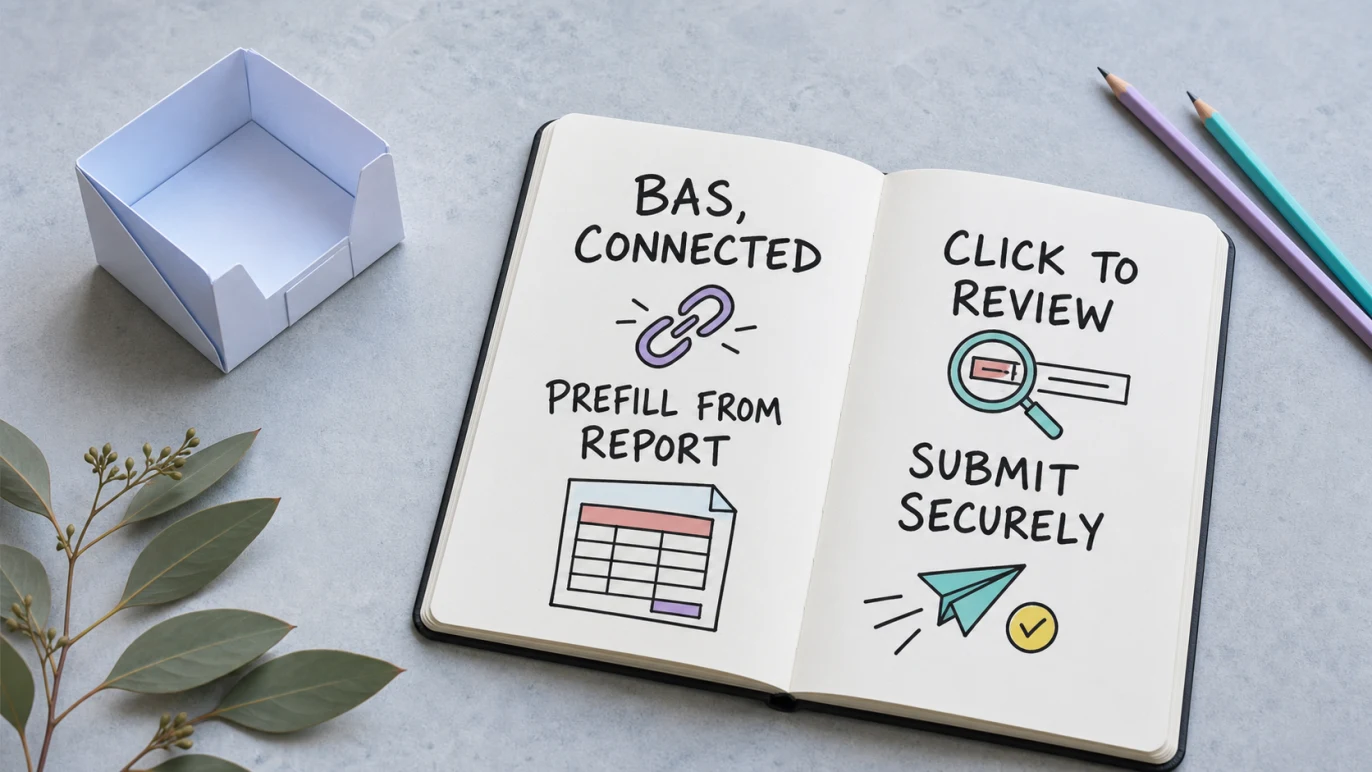
Media release, 7 August 2026: Gimbla now offers SBR-enabled Business Activity Statement (BAS) lodgment for Australian businesses. The new workflow takes supported figures from the Gimbla BAS report into a prefilled activity statement, keeps the numbers connected to their underlying records, and lets the user submit the reviewed statement to the Australian Taxation Office (ATO).
Where a displayed BAS amount is linked, users can select the number to open the relevant tax-transaction or pay-item report for the same reporting period. This makes it easier to check what created the figure before submission. For supported fields, users no longer need to copy the same amounts manually from Gimbla into the ATO portal, reducing the risk of transcription mistakes.
BAS lodgment can now begin with the records already in Gimbla: prefill the statement, follow a figure back to its transactions, review the result and submit.
Quick answer
Gimbla’s new SBR-enabled workflow connects BAS preparation and direct ATO submission. Once the books are reconciled, supported BAS report figures can populate the activity statement. The user reviews the statement, can drill into linked amounts, completes any remaining information, validates the lodgment and submits it through Gimbla.
Gimbla provides the software platform. It is not a registered tax agent or BAS agent, does not provide tax advice and does not lodge on a customer’s behalf. The user remains responsible for the records, review and information submitted.
What Gimbla is announcing
The release connects four parts of BAS work that can otherwise sit in separate screens or systems.
| Workflow | What Gimbla does | What the user does |
|---|---|---|
| BAS report | Calculates supported figures from the accounting and payroll records in Gimbla. | Reconciles the period and checks the tax coding and source records. |
| Prefilled statement | Moves supported report figures into the corresponding BAS fields. | Reviews the issued statement, ATO-supplied information and any fields that need attention. |
| Transaction drill-down | Links supported displayed amounts to the relevant tax-transaction or pay-item report. | Checks which transactions and payroll records make up the figure. |
| SBR submission | Validates and transmits the reviewed activity statement through the supported SBR service. | Confirms the declaration and submits accurate information by the applicable due date. |
The Australian Government’s Standard Business Reporting overview explains that SBR-enabled software can use information already recorded while running a business to fill out a supported government report. The SBR BAS walkthrough shows the same broad idea: software can prefill a BAS and submit it securely after review.
From BAS report to prefilled statement
The useful change is the data flow. The BAS report and the lodgment form no longer need to be treated as two unrelated jobs.
A practical workflow is:
- finish entering invoices, bills, receipts, payroll and adjustments for the reporting period
- reconcile the business bank accounts and review unusual or uncoded transactions
- open the BAS issued for the period and let Gimbla populate supported fields from the report data
- review each section against the source records and any ATO-prefilled information
- validate the statement, resolve any messages and submit when satisfied
The ATO’s BAS guidance remains the source for the obligations that may appear on an activity statement. The software streamlines the path between the books and the form; it does not change which GST, PAYG or other rules apply to the business.
Click a figure to see what created it
A total is more useful when it is traceable. In Gimbla, supported GST and PAYG amounts are linked to the detailed reports behind them.
For example, selecting a linked GST figure can open the Tax Transactions report for the BAS period. Linked PAYG withholding figures can open the relevant Pay Item Transactions report. The date range and reporting basis follow the activity statement, helping the user investigate the amount without rebuilding the search manually.
That drill-down is designed for practical questions such as:
- Which sales and purchase transactions make up this GST amount?
- Has a credit note or refund changed the total?
- Does PAYG withholding agree with the payroll records for the period?
- Is a transaction using the expected tax code?
- Does the BAS figure agree with the reconciled books?
If a figure does not look right, the answer should be to investigate and correct the records before submission—not to overwrite the number merely to make the form look expected.
Simple example
Jordan runs a GST-registered repair business with one employee. At the end of the quarter, the invoices, supplier bills, bank accounts and payroll records have been reconciled. Jordan opens the issued BAS in Gimbla, and supported GST and PAYG figures flow from the reports into the corresponding statement fields.
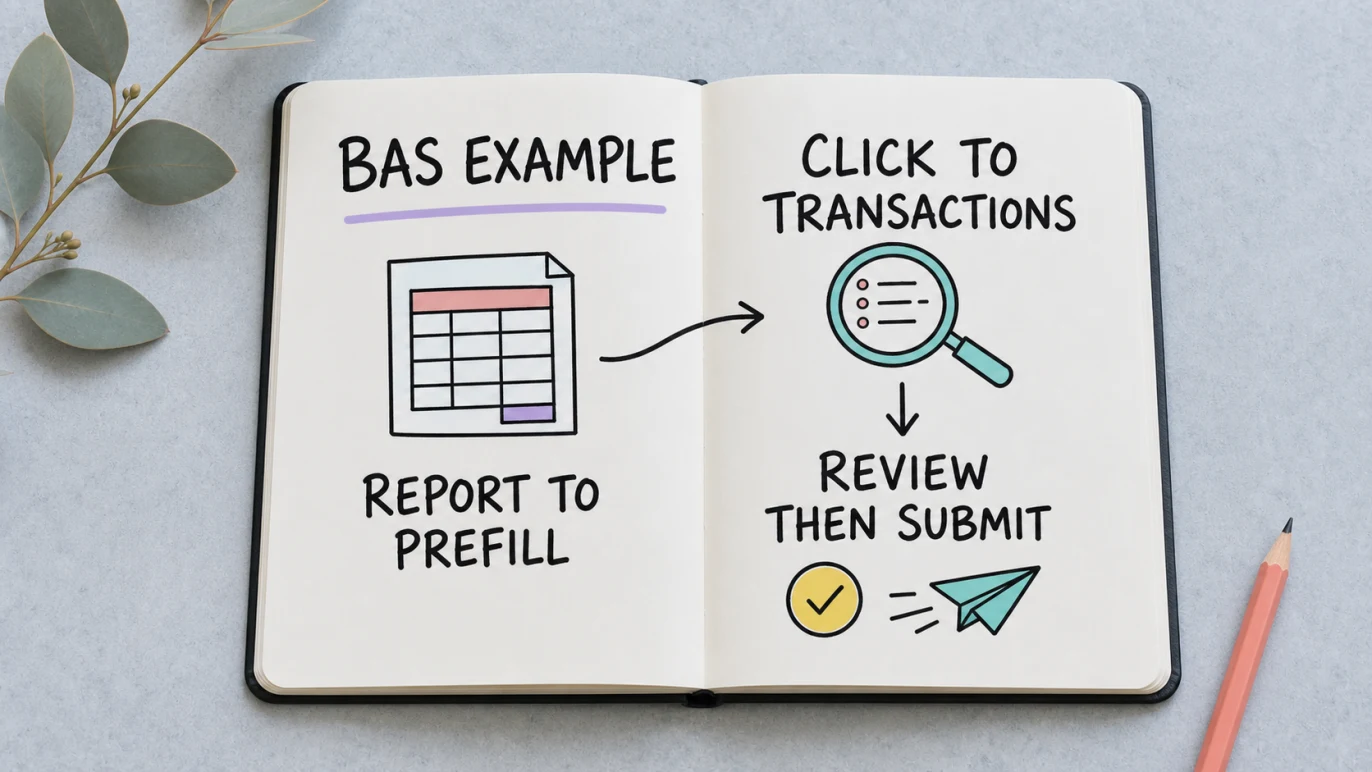
The total-sales figure looks higher than expected, so Jordan selects the displayed amount. Gimbla opens the Tax Transactions report for the BAS period, where a customer invoice entered near quarter end explains the difference. Jordan then follows the linked PAYG figure to the Pay Item Transactions report and confirms that it agrees with the reviewed pay runs.
After checking the remaining fields and ATO-prefilled information, Jordan validates and submits the statement. The same supported figures do not need to be typed again in the ATO portal. Jordan still owns the review and lodgment; if the tax treatment of a transaction is uncertain, the next step is to ask a registered tax agent or BAS agent.
Less portal re-entry, less transcription risk
Manual BAS lodgment often involves reading a figure from an accounting report, signing in to the ATO portal and typing the same figure into the matching label. Repeating that process creates opportunities to transpose digits, choose the wrong box or use a number from the wrong period.
With Gimbla’s supported direct-lodgment workflow, the data moves from the BAS report into the statement and then through the SBR submission path. The user still reviews and authorises the lodgment, but does not need to re-enter the same supported figures in the ATO portal.
This reduces manual handling; it does not guarantee that the underlying tax treatment is correct. Accurate lodgment still depends on complete records, correct tax coding, the right reporting period, any necessary adjustments and a careful final review.
SBR-enabled and listed for the service
The current ATO Software Developers Product Register lists Gimbla Payroll under GIMBLA Pty Ltd with a cloud software ID and authorised services that include Activity Statement 2025. The listing confirms the named technical service and does not represent an ATO recommendation or endorsement of Gimbla.
Businesses may need to complete the required hosted-software authorisation before their first submission. The register software ID guide explains the Gimbla setup path.
Gimbla provides software, not agent services
Gimbla facilitates the lodgment workflow at the user’s direction. Gimbla does not act as the business’s tax agent or BAS agent, does not decide the correct tax treatment for a transaction and does not submit a BAS independently on the customer’s behalf.
Users remain responsible for:
- keeping complete and accurate business records
- reviewing the BAS period and reporting method
- checking GST, PAYG and other activity-statement labels
- confirming any ATO-prefilled amounts or variations
- accepting the declaration and submitting accurate information
- paying any amount due separately from lodging the statement
When the correct treatment is uncertain, or a prior statement may need correction, speak with a registered tax agent or BAS agent before submitting.
Availability
SBR-enabled BAS lodgment is available through Gimbla Plus for eligible Australian businesses. Review the live BAS lodgment page for the product workflow and Gimbla pricing for current plan inclusions.
For a broader explanation of SBR products and plan boundaries, read Free SBR-Enabled Software in Australia. The BAS and IAS types guide explains why the labels in an issued statement depend on the business’s registrations and reporting cycle.
The 2026–27 BAS due dates calendar sets out the original, eligible online and registered-agent dates to check before submission.
Frequently asked questions
What is Gimbla’s new SBR-enabled BAS feature?
Gimbla can use supported figures from the BAS report to populate the activity statement, let users review linked transaction detail, and submit the reviewed statement to the ATO through an SBR-enabled workflow.
Does Gimbla lodge a BAS as a registered agent?
No. Gimbla provides software that facilitates a user’s lodgment. Gimbla is not a registered tax agent or BAS agent, does not provide tax advice, and does not lodge on a customer’s behalf.
Can I trace a BAS figure back to its transactions?
Yes. Where a BAS amount is linked, users can select the displayed figure to open the relevant tax-transaction or pay-item report for the reporting period.
Do I still need to enter the figures in the ATO portal?
The supported direct-lodgment workflow removes the need to copy the same BAS figures manually into the ATO portal. Users must still review the statement, complete any required authorisation, and confirm the information before submitting.
In short
Gimbla now connects the BAS report, prefilled activity statement, transaction drill-down and SBR submission in one workflow. It is designed to reduce duplicate entry and make each supported number easier to verify before lodgment.
The software makes the process more direct. The business still owns the records, the review and the decision to submit.
Disclaimer: GIMBLA Pty Ltd, ABN 52 661 934 078 (GIMBLA), provides a software platform to facilitate your lodgments. Gimbla does not provide tax agent or BAS agent services or advice. You are responsible for reviewing and confirming the accuracy of information submitted in your filings. If you need advice about your obligations or tax treatment, speak with a registered tax agent or BAS agent.